
 English
 Español
Plastic Bag Prepress: What Happens After You Approve the Artwork
You sent the artwork. The converter sent back a proof. You wrote "approved." Then the bags arrive, the logo is jammed against the seal, and the brand red is a shade off. Whose fault is that?
Often, nobody's. "Approved" meant two different things. To you it meant the design is right. To the converter it may have meant "good, now I can make plates." The work between those two meanings is prepress, and it's where most printed-bag problems either get caught or get locked in.
This guide is for brand-side buyers ordering custom printed plastic bags. It follows flexographic bag printing, but the handoffs are similar in gravure and digital.
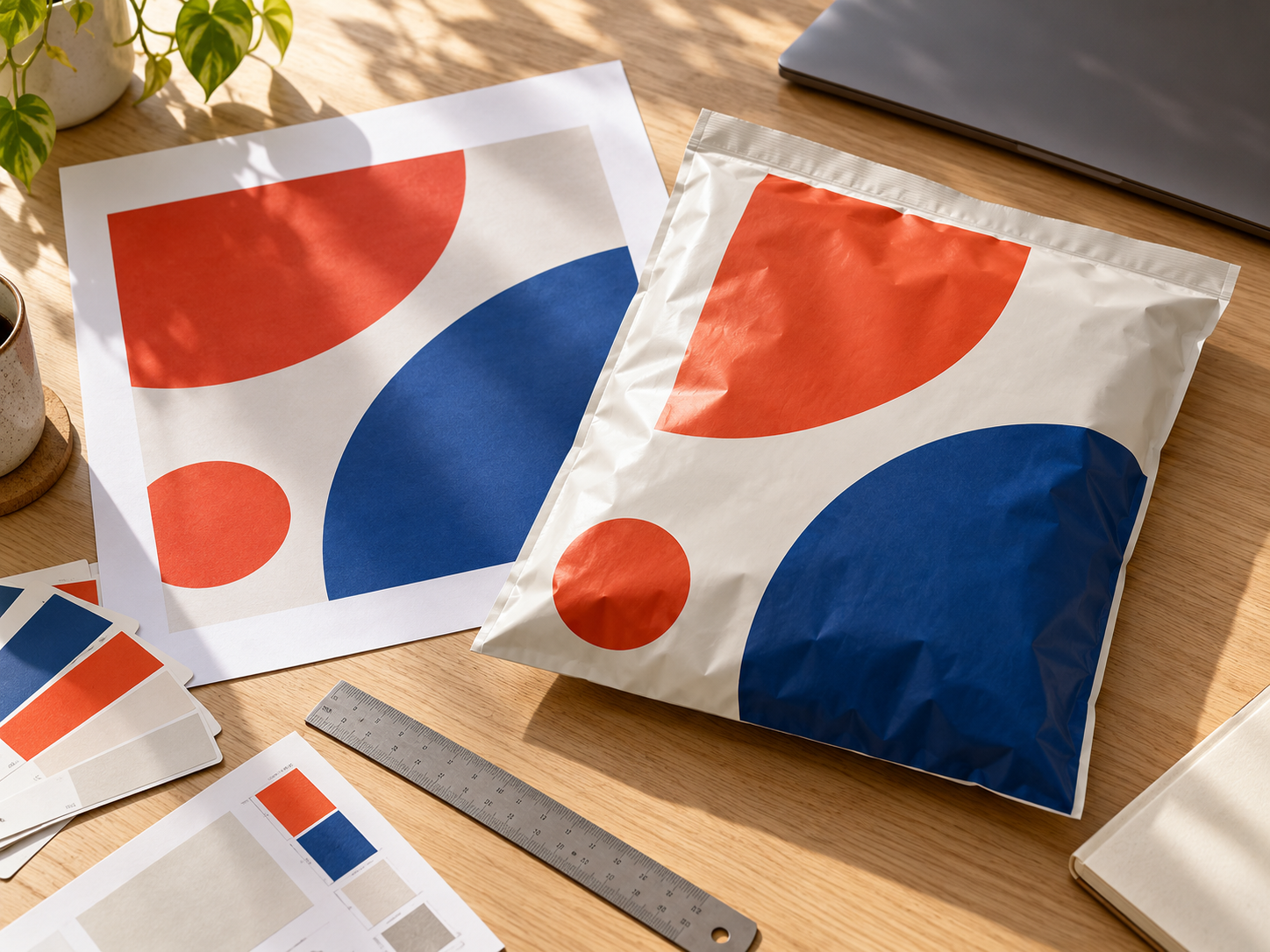
Start by asking what "approved" covers
Some converters treat approval as design sign-off only and sort out the technical setup afterward. Others treat it as sign-off on both. Find out which one you're dealing with before you sign anything, and get three answers in writing:
- Which artwork file, and which revision, is the one in control?
- Which SKU and which bag drawing does it belong to?
- Does your approval cover the design only, or the technical setup too?
Picture the boring way this goes wrong: you approve version 3, someone fixes a typo, and version 4 goes to the plate maker. Nobody did anything unreasonable, and you still get the wrong bag.
One rule covers the rest of this guide. If anything you approved changes (copy, color, layout, revision), the approval doesn't carry over. Treat the change as new.
Your PDF is not what gets printed
Three different files are in play.
Your signed-off PDF is the intent: how you want the bag to look.
The prepared proof is what prepress builds from it. Fonts and image resolution get checked, inks get defined, overprint settings get sorted, and the artwork is laid out on the bag's structure using the bag drawing.
The production output comes last. Software called a RIP turns the prepared graphics into the data that images the plates or drives a digital press.
Signing the PDF doesn't mean you've seen the next two. That doesn't mean you should sign every setting, though. Technical adjustments are the printer's job. Anything that changes the content, the appearance, the structure or what you agreed on is your call.
The layout check only you can do
Preflight is the file check. The converter should be able to show you an issue list: missing fonts, low-resolution images, colors that aren't clearly defined. Ask to see it, and ask to see the corrected layout placed on the bag drawing.
Then check where things sit on the bag, because the converter can't know what matters most on your design.
Seals, folds, cuts and closures. A logo that looks centered on a flat PDF can end up inside a seal or folded out of sight. Ask for the converter's minimum distance from these areas, and ask for it as a number shown on the drawing. "We'll be careful" is not an answer.
Fine detail. Flexo handles bold graphics well and is less forgiving with very small text, hairlines, light type reversed out of a dark background, and gradients that fade to nothing. Ask what the minimum text size and line weight are, then check whether anything on your design falls below them.
Barcodes and QR codes. A code that scans on screen can still fail on the printed bag. Ask what the converter checks, including the blank margin around the code and how the code is oriented relative to the print direction, since both can affect how cleanly it prints. Then scan the first printed samples yourself, with the scanner or phone your warehouse and customers actually use.
Colors and the ink plan
Ask for the ink plan in writing: the named inks, your color reference, the film, which side of the film is printed, and whether a white layer is involved.
In flexo, each ink gets its own plate, so every color you add generally adds plate cost and press setup. That's a good reason to ask which colors on your design are doing real work.
The printed side matters too. Ink on the outer surface and ink printed on the inside of a clear film, seen through the film, can look quite different.
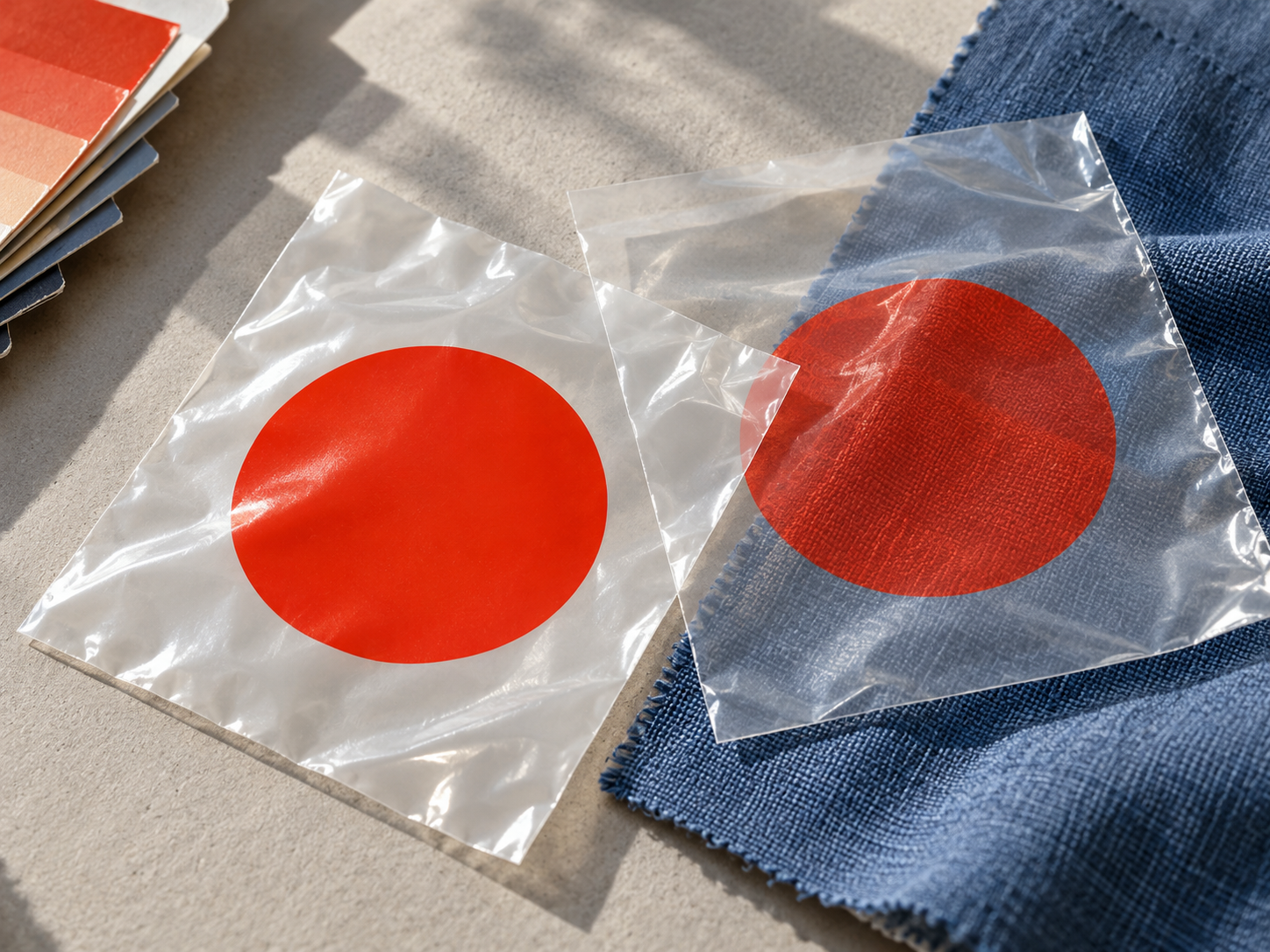
White ink deserves its own question on transparent film. Printed colors on clear film are seen against whatever sits behind the bag, so without a white layer they can look different from your screen. Whether white goes behind a logo, a block of color, or nothing at all is a decision to make deliberately.
Here is how that plays out. (A hypothetical, not a customer case.) A non-food apparel mailer on clear film is signed off on screen. During prepress, the converter proposes a white layer behind the logo. It sounds like a technical detail, but it changes the result: with white, the logo looks solid and opaque; without it, the logo looks see-through and takes on the color of the garment inside. So this goes back to you. Ask for a marked view showing exactly where the white sits, agree which proof and color reference will represent the result, and get the revised approval before any plates are made.
Technical adjustments: trust the printer, read the summary
Prepress adjusts files to suit how presses behave. Two you'll hear about:
- Trapping adds a tiny overlap where two colors meet, so slight misregistration doesn't leave a white gap between them.
- Overprint vs. knockout is the choice between printing one ink over another and removing the ink underneath. Where inks overlap, overprinting can change the color you see.
You don't need to approve any of these one by one. Ask for a short change summary, and read it only for what touches the visible design: text, fine detail, or how the bag is meant to look. If something does, that's your cue to look again.
The proof: what exactly are you signing?
A proof worth signing says what it is: the revision, whether it's for layout or color, what's still open, who approved it and on what date. Sign that scope and nothing wider.
Then be clear about what each kind of evidence can and can't show.
A screen proof shows layout, copy and position. It does not settle physical color. Even overprint preview is a screen simulation, and a screenshot won't win a color argument with a press.
A physical color reference is worth asking for when color is critical, such as a brand red. Ask what it actually is (a printed swatch, a proof on paper, a press proof on your film), what it costs, how long it takes, and who has the final say if the bag doesn't match. A paper proof can look different from ink on film, so ask how the converter bridges that gap.
Startup output at the press is the first real print of your job on your film, unless you've paid for a press proof. By then the plates already exist.
That's the decision to make now. If color matters, spend your effort before tooling release, not at startup.
Tooling release: the last easy moment to change your mind
"Tooling" is whatever turns the approved file into printing. For flexo, that's printing plates. Gravure uses engraved cylinders. Digital printing needs no plates, but the file still gets locked at a release point. After that, an edit can mean new output or new tooling. Settle four things first:
- Who signs off. One named person on your side. "The team" doesn't count.
- What gets locked. The final file, the plates and the proof they came from should all be the same revision. Get that confirmed in an email.
- What a change costs. If you edit after the plates are made, who pays, and how many days does it add?
- What happens if the output looks wrong. Who decides, and on what basis.
And before release, confirm that the revision being output is the one you approved.
Press startup: the last check before the full run
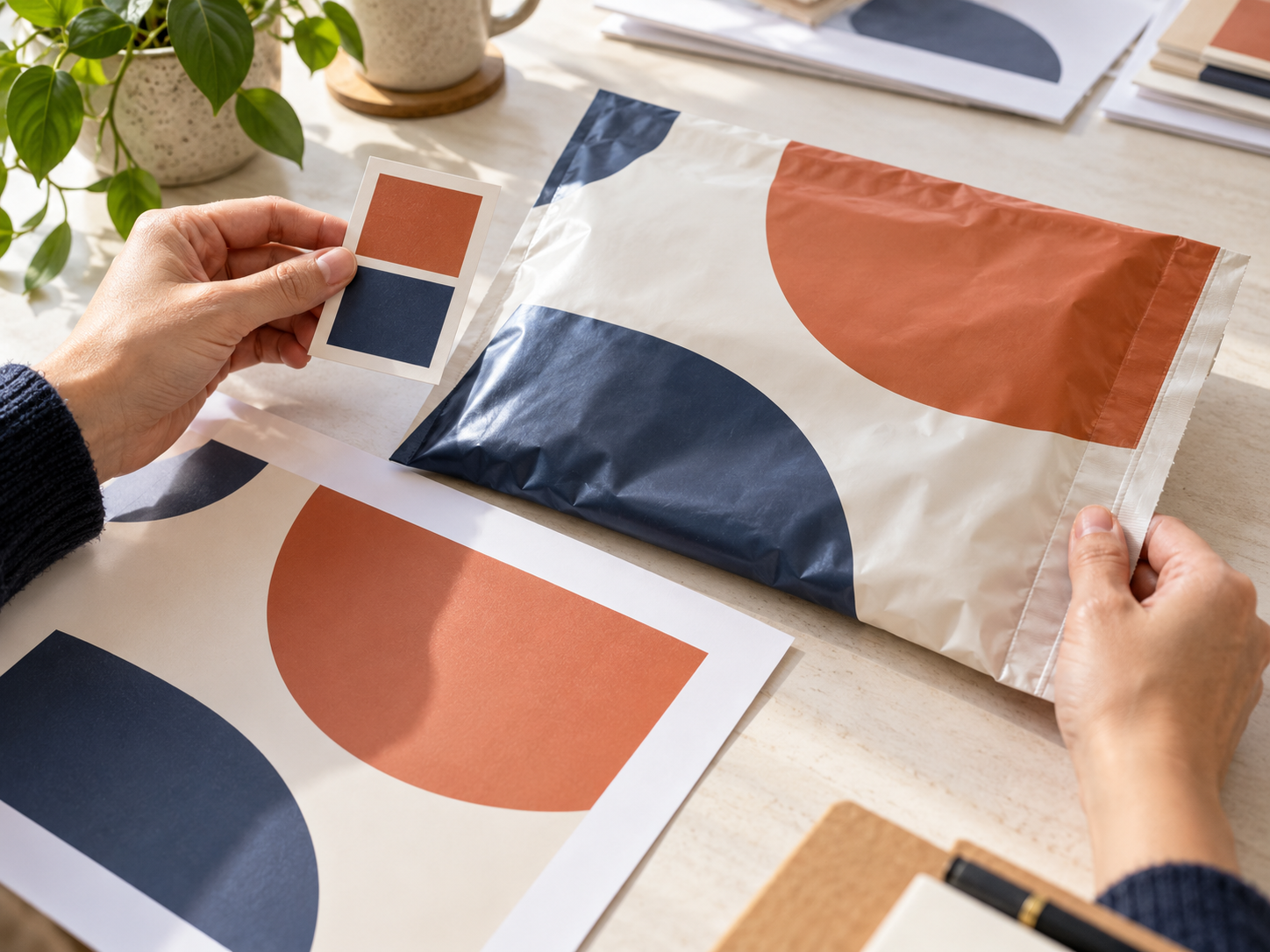
The first meters off the press are your last chance to catch a problem before the whole run is printed. Agree in advance who looks at them (you, the converter's QC, or someone acting for you from photos, video or a physical sample) and what they look at:
- color against your reference
- logo and text position against seals and folds
- the print face and any white layer
- barcode scans
- registration: colors lining up, no gaps or halos
Also agree on what happens if the output is off: the run stops until someone decides, and you know in advance who that is and who bears the cost of adjusting. If a production change affects how the bag looks, the run pauses until you've agreed to it.
One boundary to keep in mind. Approving artwork says the artwork is right. It doesn't release a shipment, and it says nothing about how the finished bag performs, whether that's seal strength or closure.
The quick version
Work down this list with your converter and agree an owner for each line. Keep a running list of open items, and hold the affected release until each is closed.
|
Handoff |
Ask this |
A good answer sounds like |
|
Job intake |
Which file, revision, SKU and bag drawing does my approval cover? |
Specific names and numbers, not "the latest one" |
|
Preflight and layout |
What did preflight flag? How close can art sit to seals, folds and cuts? |
An issue list, plus a distance shown on the drawing |
|
Ink plan |
Which named colors, which film and print face, is white involved? |
A written plan, with white shown where it goes |
|
Technical adjustments |
Did anything change beyond routine settings? |
A short summary, with text and fine detail untouched |
|
Proof approval |
What does this proof cover, and what color evidence do we agree on? |
A labeled proof, plus a named color reference and who accepts it |
|
Tooling release |
Is the output the revision I approved? Who pays if I change something afterward? |
A named approver, plus written cost and time for changes |
|
Press startup |
Who accepts the first output, and what happens if it's off? |
A named person, a list of checks, and a plan for a miss |
Huayuepack offers custom printed plastic bags, including custom printed mailer bags with customized logos, packaging and graphics. Its manufacture page lists the printing equipment behind them.
Planning an order for custom printed plastic bags? Talk through the artwork handoff with Huayuepack via the contact page or at alfredren@huayuepack.com. It helps to include:
- the current artwork file and revision
- the bag drawing, with film and print-face details
- your color reference, plus any unresolved proof or approval question
Packing Solutions
Related Products

Tel: +86 18019228135
E-mail: alfredren@huayuepack.com
Address: No.228 ZhaiXing Rd, XinSheng Industrial zone, ZheLin Town, FengXian District, ShangHai, China.

Copyright © 2026 Huayue Group Plastic Packaging Manufacturers
